.png)
What Content Do You Need for an Event LED Wall?
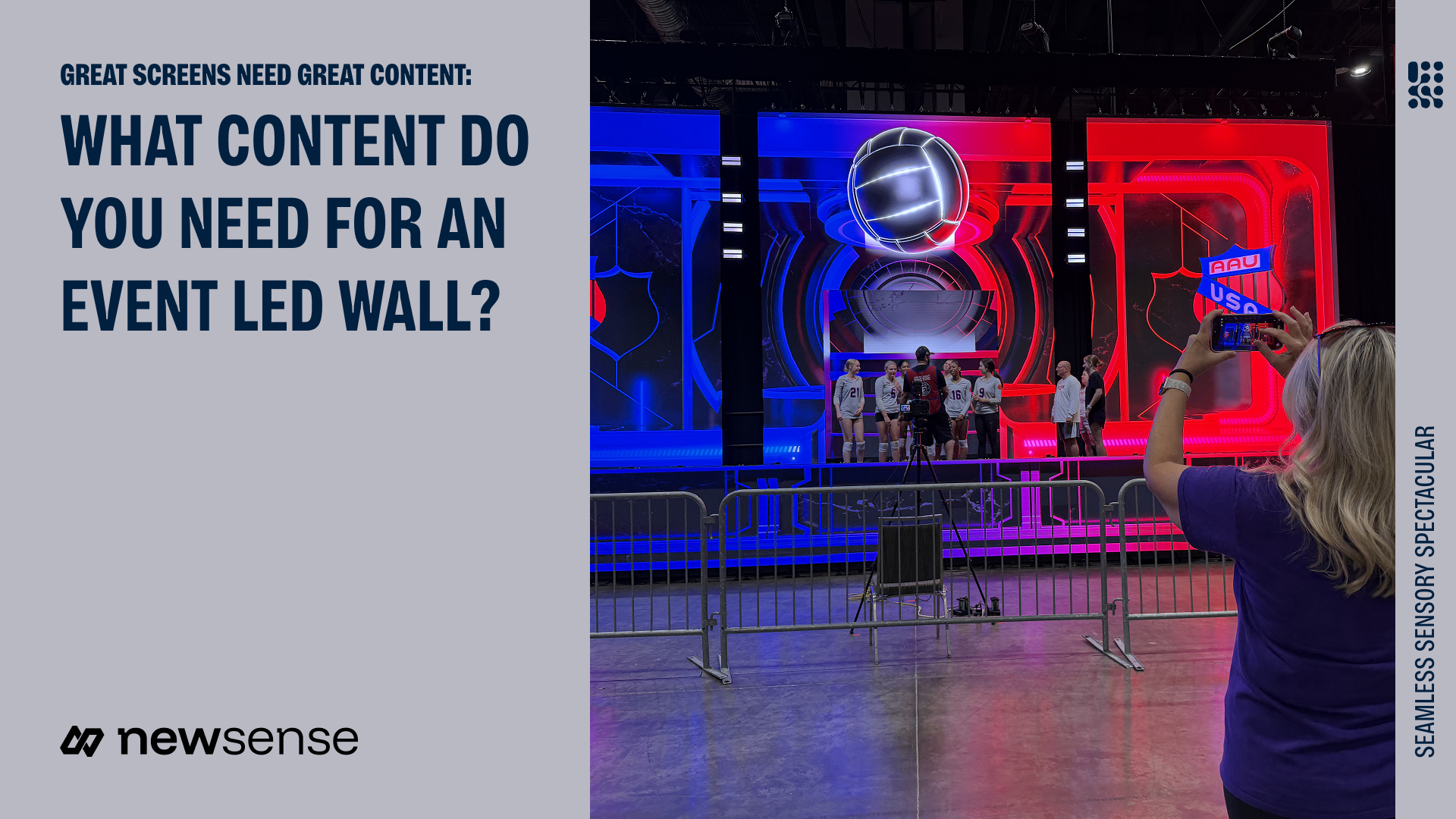
An event LED wall needs content built for its confirmed screen layout and playback system. That usually means a coordinated set of presentations, videos, brand graphics and holding screens, with clear instructions for when each asset appears. Before your design team starts exporting, request the screen map and delivery specifications from the video team.
Your brand team, agency, presenters and on-site crew need one agreed specification and a clear approval process.
Get the content specification first
Ask the video lead for a written specification covering the content canvas, screen arrangement and playback requirements.
The specification should confirm the exact pixel dimensions of each deliverable, its aspect ratio and how it maps to the physical screens. Include any separate areas for presentation slides, live camera feeds, branding or captions. Request a visual template showing boundaries, gaps and areas where essential text should remain.
Also confirm the required file container and codec, frame rate, color settings, audio arrangement and whether transparency is needed. These values come from the agreed system; there is no single export preset for every event LED wall.
Resolume's media guidance and Disguise's mapping documentation illustrate why export and screen-mapping requirements depend on the playback system. They do not identify which system your event will use.
Build an asset list around the program
Match each part of the agenda to the screen content it needs. A corporate general session or awards program might require:
- A welcome or holding look for audience arrival and pauses.
- Approved presentation decks for speakers and panels.
- Opening, product or company videos with the intended audio.
- Speaker names, award titles and recipient graphics where relevant.
- Sponsor acknowledgments that meet the approved commitments.
- Closing messages and a neutral fallback image.
Decide what to create and what to curate
New Sense's Bishop Moore Legacy Gala used original video developed for the program and custom LED wall. StackFest's Orlando closing night took a different route: New Sense proposed imagery and video from its existing library, StackAdapt reviewed it against brand standards and the neon theme, and approved material was organized for the FOCUS3D LED experience.
The distinction changes the assignment. Original content needs a brief and creative approvals; curated content still needs selection and brand review. For each asset, identify what already exists, what needs adaptation and who can approve the final version.
Separate presentation content from stage scenery
A wide LED backdrop does not mean every slide should fill its width. Ask the video team where a standard presentation will sit and what the rest of the canvas will show.
A speaker deck, live image and branded background have different jobs on the same canvas. Mark their regions on the template, including where names and captions belong. The general-session guide for 500+ attendees explains the audience sightline context; the content handoff must translate that plan into specific assets.
Test representative content, including your most detailed chart, in that layout. A large screen does not automatically make small text readable.
Make delivery easy to operate
Send final assets through one agreed delivery location. Use clear filenames that identify the session or cue, asset and version. An illustrative pattern is “Opening_BrandFilm_v03_APPROVED”; agree on the real convention with your operator.
Alongside the files, provide a content list with the owner, approval status, intended screen area, duration where relevant and audio instructions. Clarify whether a clip plays once, loops or holds on its final frame, and what should appear next.
Agree on a content-lock point and a process for late changes. A revised file should replace a clearly identified version, reach the person loading playback and be tested before use. Keep superseded material out of the active show folder.
Confirm rights to supplied media and fonts, including any planned recording or streaming use.
Test the handoff before show day
Allow time for both a technical check and a content review. Test files on the intended playback setup, then check the content on the display during the scheduled rehearsal or screen test.
Review cropping, legibility, spelling, color, audio and transitions, including the camera image if recorded. Assign someone to approve corrections and confirm the operator has the final versions.
Frequently Asked Questions
Should every LED-wall video be 4K?
No. Use the deliverable dimensions and export settings requested for your particular playback and screen configuration. A “4K” label does not establish that a file fits the canvas.
Can we send PowerPoint files?
Ask whether the show will use editable decks, rendered media or both. Confirm fonts, embedded assets, video playback and who handles changes.
Is a logo enough?
It may support a holding screen, but it does not cover presentations, speaker identification, video cues and other content your program may need.